
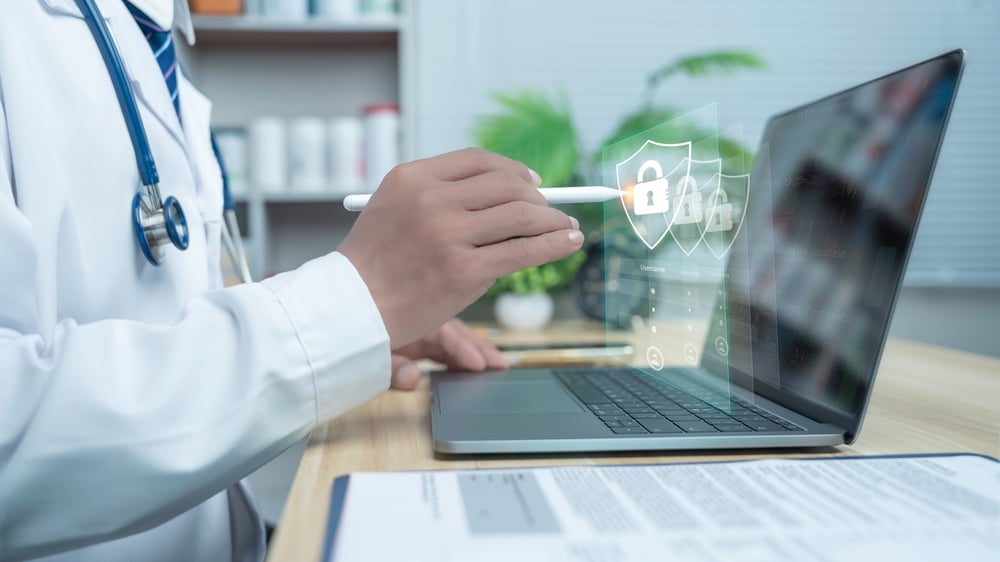
Today, small and mid-sized businesses face serious cyber threats that can harm their operations and reputation. Ransomware, data breaches, and other attacks are common, and hackers often go after businesses with weak networks. Whether your business is in Houston, Texas, or somewhere else, strong cybersecurity is essential to protect your assets.
As technology changes, so do the methods hackers use, so businesses need to stay ahead of them. Knowing which protections to put in place is the first step toward staying safe. A single cyberattack can shut down your entire business overnight.
Key Takeaways
- Implement a multi-layered security approach to protect your business from cyber threats
- Train employees to recognize and prevent cyber threats effectively
- Utilize strong password policies and regular software updates to bolster security
- Use data encryption to protect sensitive information from unauthorized access
- Conduct regular security audits and assessments to identify vulnerabilities
Types of Cybersecurity Measures Your Business Should Implement
The best way to protect your business is to use layers of security that work together. Each layer is another barrier hackers must get past, which makes a successful attack much less likely. The table below covers five key measures to put in place.
| Security Measure | What It Is | Why It Matters |
| Employee Training | Regular lessons on spotting phishing emails, suspicious links, and other threats | Most attacks rely on human error, so aware employees are a strong defense |
| Strong Password Policies | Passwords that mix letters, numbers, and symbols, with regular changes and no reuse across accounts | Makes it much harder for hackers to gain access to your systems |
| Regular Software Updates | Installing the latest patches and updates as soon as they are available | Fixes security gaps that hackers could use to break in |
| Endpoint Protection | Tools that monitor and protect every device connected to your network | Helps catch threats on laptops, phones, and computers before they spread |
| Data Encryption | Scrambling sensitive information so only approved people can read it | Keeps data safe even if a breach happens, and helps meet privacy rules |
The Role of Firewalls in Business Security
A firewall works like a digital gatekeeper. It sits between your company’s network and the outside world, watching the data that comes in and goes out. When it is set up correctly, it blocks harmful traffic and keeps unauthorized people out of your network. Setting up a firewall the right way is important. Work with your IT team to create rules that decide what traffic is allowed and what is blocked.
Check these rules often and update them as new threats appear. Firewalls also watch the data moving in and out of your network. This helps them spot warning signs, such as malware or someone trying to break in, as they happen.
A firewall works best when it is paired with other security tools. Intrusion detection systems (IDS) and intrusion prevention systems (IPS) can work alongside it to find and stop threats before they do damage. Automation can make this process faster and easier to manage. Because cyber threats keep changing, your IT team should review and update your firewall regularly. Staying on top of this protects your business from attacks and helps keep your clients’ trust.
How to Protect Your Business from Phishing Attacks
Phishing is one of the most common cyber threats for small and mid-sized businesses. These scams often use fake emails to trick employees into giving away sensitive information. The best defense combines staff training, email filters, and strong login protection, along with a clear way to report problems.
Train Your Staff
Teach employees how to spot phishing attempts. Show them how to check email addresses, look for spelling and grammar errors, and avoid suspicious links and attachments. When your team knows what to look for, they become your first line of defense. Hold training sessions regularly so the lessons stay fresh in everyone’s mind. You can also send practice phishing emails to test how well employees respond and to show where more help is needed.
Use Email Filters
Email filters stop many phishing emails before they reach inboxes. They can block messages from known bad sources. Update your filter settings often so they can catch new scams. Fewer bad emails in the inbox means fewer chances for someone to make a mistake. Filters are not perfect, though, so they work best alongside trained employees.
Turn On Two-Factor Authentication
Two-factor authentication (2FA) asks for a second proof of identity, like a code sent to a phone. This makes it much harder for criminals to get into an account, even if they have a password. Encourage employees to use 2FA on every account that offers it. Start with the most important accounts, such as email, banking, and cloud storage. Make sure employees know never to share their codes with anyone.
Make Reporting Easy
Ask employees to report suspicious emails to your IT team right away. IT can then look into the threat and stop it before it turns into a bigger attack. Give staff a simple way to report, such as a dedicated email address or a report button. Let them know that reporting is always welcome, even if the email turns out to be safe.
Keep Your Security Up to Date
Cybercriminals keep changing their tricks, so your defenses need to change too. Stay informed about new phishing trends and update your security tools and policies regularly. Review your security plan at least once or twice a year to find any gaps. Share news of new scams with your team so everyone knows what to watch for.
The Importance of Regular Security Audits and Assessments
Regular security audits are key to keeping your business safe from cyber threats. They show where your defenses are weak and what dangers you may face. They also help you follow industry rules and manage risk.
A security audit gives you a full look at your cybersecurity and points out what needs to be improved. Once you know about a weakness, you can fix it quickly, which lowers the chance of a successful attack. Audits also show which of your current tools are working, so you can make smart choices about where to spend money next.
Many industries have security rules that businesses must follow. Regular assessments make sure you meet them, which helps you avoid legal trouble and fines. Showing that you take security seriously also builds trust with your clients and partners.
When an audit finds a specific problem, you can fix that exact issue instead of guessing. This helps you stay ahead of threats and keep your defenses strong. Regular check-ups also let you adjust your security as new threats appear.
Building a Cybersecurity Response Plan for Potential Threats
A cybersecurity response plan helps limit the damage if your business is attacked. It lists the steps to take as soon as a breach is found and names the team who will handle it. Planning ahead helps you recover faster and protect your business. Your response team should include people from different areas, such as IT, legal, and communications. Give each person a clear role so decisions are made quickly and everyone works together.
You also need a plan for communication. During an attack, employees, clients, and partners should get clear and calm updates. Decide ahead of time who will share information and when. Honest communication helps protect trust and your reputation. Test your plan often with drills and practice scenarios. This lets your team rehearse their roles and shows what needs to be improved. Finally, update your plan as new threats and technologies appear. Hackers keep changing their methods, so your plan should change too. Staying informed will help keep your business protected over time.
Cybersecurity Questions
What cybersecurity protections should every business have?
Every business needs a robust cybersecurity framework to safeguard its operations. Essential protections include antivirus software, firewalls, and multi-factor authentication. Regular software updates and employee training are crucial for staying ahead of threats. Additionally, using strong, unique passwords and encrypted communications can significantly reduce risk. Data backup and recovery solutions also play a vital role in minimizing downtime and data loss. By implementing these measures, businesses can create a safer digital environment.
How does antivirus software protect a business?
Antivirus software acts as a digital shield against malicious software. It scans and identifies potential threats like viruses, ransomware, and spyware that can damage files or steal sensitive information. By regularly updating its database, antivirus software can detect and neutralize new threats. This protection ensures that business operations run smoothly and securely, safeguarding both data and resources.
Why is multi-factor authentication important for businesses?
Multi-factor authentication (MFA) adds an extra layer of security, requiring users to verify their identity through multiple methods before accessing systems. This can include something they know (password), something they have (smartphone), or something they are (fingerprint). MFA significantly reduces the risk of unauthorized access, as even if passwords are compromised, additional verification steps block intruders. It’s an effective way to protect sensitive business data.
How can firewalls help protect business networks?
Firewalls act as a barrier between a business’s internal network and external threats, monitoring incoming and outgoing traffic. By setting specific security rules, firewalls can block harmful data and unauthorized access attempts. This keeps cyber threats at bay while allowing safe, essential data to pass through. Implementing firewalls is a fundamental step in protecting business networks from potential cyberattacks.
Why should businesses use data backup and recovery solutions?
Data backup and recovery solutions are critical for safeguarding important business information. They ensure that in the event of data loss due to cyberattacks, system failures, or human error, businesses can quickly restore their data. Regular backups reduce downtime and minimize the impact of disruptions. By having a reliable recovery plan, businesses can maintain operations and protect themselves from significant financial and reputational damage.
Cybersecurity Protections Every Business Needs
Strong cybersecurity protections keep your business safe from threats like phishing, ransomware, and data breaches. Layered security, employee training, firewalls, regular audits, and a clear response plan all work together to reduce your risk. Putting these measures in place protects your data, your operations, and your clients’ trust.
As a cybersecurity company in Houston, we help local businesses build the right protections for their size and needs. Our team has real experience keeping Houston companies safe from cyber threats. We support businesses across the Houston area.
Ready to strengthen your business’s cybersecurity? Schedule a consult and take the first step toward better protection.

Amy Passmore is the Chief Executive Officer and Integrator of Enstep Technology Solutions, where she has been a key leader since the company’s founding. She has overseen core operational and financial functions from day one and now leads the company’s continued growth in managed IT services. Outside of work, she supports inclusion in her community by managing the Texas Power Soccer Association and coaching the Houston Fireballs Power Soccer Club.